Who I CT for:


My Blinkie

My Blog List
-
-
-
Friday. New Kits loaded to PFD9 years ago
-
-
The Wicked Witch9 years ago
-
CU BEAR IN THE CUP SCRIPT AND TEMPLATE10 years ago
-
Thanks to Allison ........10 years ago
-
HALLOWEEN TUT 412 years ago
-


Showing posts with label Crystal's Creations Kit Creations. Show all posts
Showing posts with label Crystal's Creations Kit Creations. Show all posts
Monday, March 3, 2014
PTU Tut - Spring Beauty
Spring Beauty
Tutorial by: Edith's
Creativeness

* * * * *
Scrapkit 'Spring into
Easter' by Tiny Turle Designs
You can purchase it HERE
Tube 'AIL2208' by Tatyana
at Artisticly Inclinced Licensing
You can purchase it HERE
Mask of your choice.
I am using a mask FM2 by Dangerously Delicious Designz.
I am using a mask FM2 by Dangerously Delicious Designz.
Font of your choice.
I am using the font 'Pristina'.
I am using the font 'Pristina'.
Program used: Jasc Paint
Shop Pro 9
* * * * * * * * * *
This tutorial is written
with the understanding that the user has a good working knowledge of
PSP.
This tutorial is written
by me, and any similarities is strictly coincidental.
* * * * * * * * * *
Let's begin!
Open a 600x600 new image
canvas – transparent background.
Open element 20 and
re-size to 480x480.
Copy and paste to new canvas.
Copy and paste to new canvas.
Open your choice of tube.
Using your selection tool,
click inside the frame (element 20).
Expand by 8 pixels.
Copy your tube, and paste
onto canvas.
Position to your liking
inside the selected area.
Invert. Delete. Select
none.
Move that raster just
below the frame (element 20).
Go back to your choice of
tube and re-size to your liking.
I re-sized my choice to 520x520.
I re-sized my choice to 520x520.
Copy and paste as a new
layer to canvas.
Position as you like.
Open element 38 and
re-size to 480x167.
Copy and paste as a new
layer to canvas behind your top tube layer.
Position as you like.
Duplicate and mirror.
Move to just below your
top tube layer.
Open element 36 and
re-size to 369x522.
Copy and paste as a new layer to canvas.
Move below element 38.
Position as you like.
Copy and paste as a new layer to canvas.
Move below element 38.
Position as you like.
Open element 87 and
re-size to 150x148.
Copy and paste as a new layer to canvas.
Position as you like.
Copy and paste as a new layer to canvas.
Position as you like.
Open element 54 and
re-size to 126x270.
Copy and paste as a new layer to canvas.
Position as you like.
Copy and paste as a new layer to canvas.
Position as you like.
Open element 175 and
re-size to 390x285.
Copy and past as a new
layer to canvas.
Position as you like.
Open paper 5 and re-size
to 440x440.
Using your selection tool,
click inside your frame (element 20).
Expand by 8 pixels.
Copy and paste paper 5 as a new layer to canvas.
Copy and paste paper 5 as a new layer to canvas.
Go to selections, invert,
and then hit delete on your keyboard.
Go back to selections and
click selection none.
Move paper to just behind
your frame (element 20).
Now go to your tube layer
that is just under the frame.
Duplicate. Go to adjust,
blur, and gaussian blur.
Change blur to radius of
5.
Go to properties. Change
the blend mode to screen.
Now go back to the
original copy of the tube we just worked with.
Go to properties and
change the blend mode to luminance (legacy).
Now go to adjust,
softness, and soften.
Open paper 11 and re-size
to 600x600.
Copy and paste as a new
layer to canvas. Move to bottom.
Apply mask of choice. I used Floral mask 2 by Dangerously Delicious Designz.
Apply mask of choice. I used Floral mask 2 by Dangerously Delicious Designz.
Merge group.
Now add a drop shadow to
all your elements and tube (except for the paper) to your liking.
Adding a drop shadow will
make your tag pop instead of giving it that flat look.
I used these settings: 3,
2, 60, 5.
Add your copyright
information and your license number to your tag.
I use 'Arial' font size 8
to do mine. I also used the plugin of Eye Candy Gradient Glow with a
width of 4 to go around my copyright and license information in the
color choice of e4edf4.
Merge visible layers
together. Give your creation a name and save as a blank copy.
Now, add a name to your
tag in your font of choice.
I used font 'Pristina' in
size 48. Color choice was black.
Merge down and re-save.
Monday, March 11, 2013
Sweet Princess Cluster Freebie
Got an awesome cluster freebie for you today!
Using Crystal's Creations kit Sweet Princess
Here's a preview of the cluster

What I did with the cluster

You can download the cluster HERE
If you download, please leave some love. Thank you!
Here is a preview of the kit - Sweet Princess

You can find this kit by going to
Friday, February 15, 2013
Emo Girl Extras
Got some extras for you today.
Using Crystal's Creations kit - Emo Girl 2


Here's a preview of the kit:

You can get the kit by going through

Wednesday, January 30, 2013
Sweet Pink Extras
Got some extras for you today! Using Crystal's Creations kit Sweet Pink.


Here's a preview of the kit

You can purchase this kit through

Friday, January 11, 2013
Valentine Extras
Today I have some extras for you!
Created with Crystal's Creations lovely kit 'A Fairys Valentine'


Here's a preview of Crystal's wonderful kit

You can get this great kit by checking out Crystal's Creations kits at
Scrap and the City. 'A Fairys Valentine' is an exclusive there!
Monday, December 17, 2012
Winter Fun Extras
Cute extras I made using Crystal's Creations kit 'Winter Fun'
Kit preview:

To get the kit, check out Crystal's Creations at
Here's what I did with the kit:
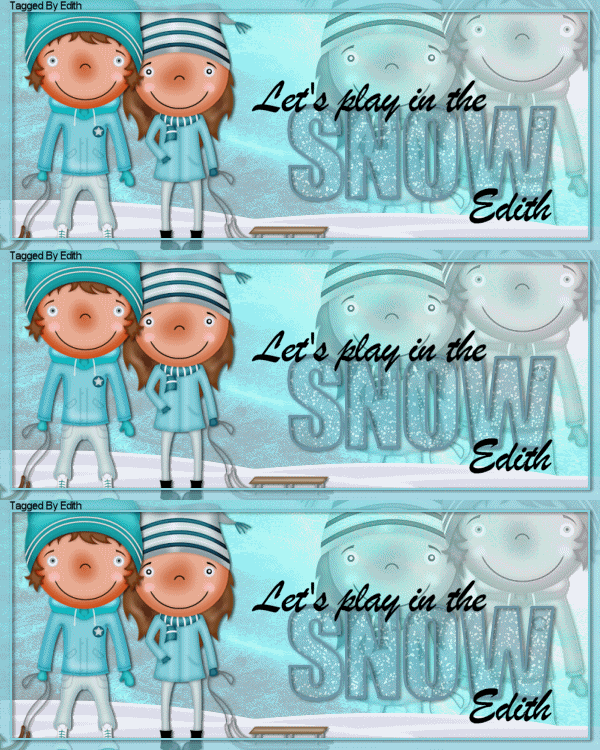
Now onto the extras:


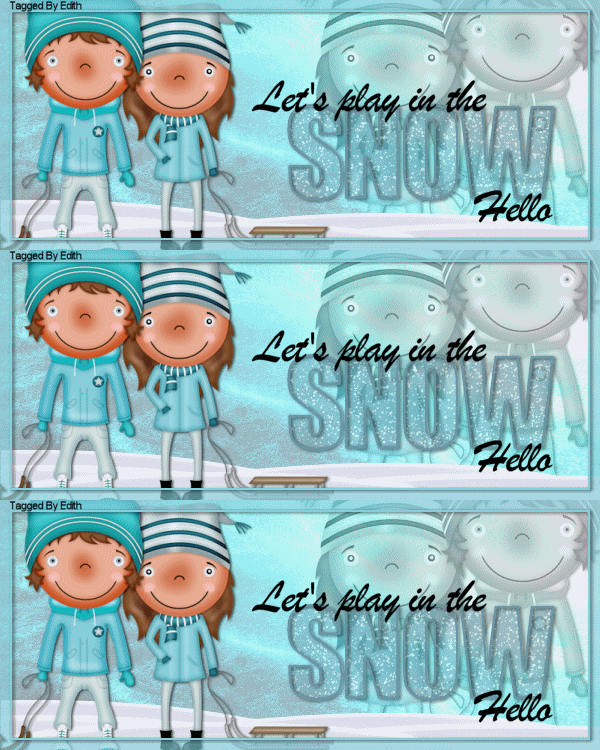

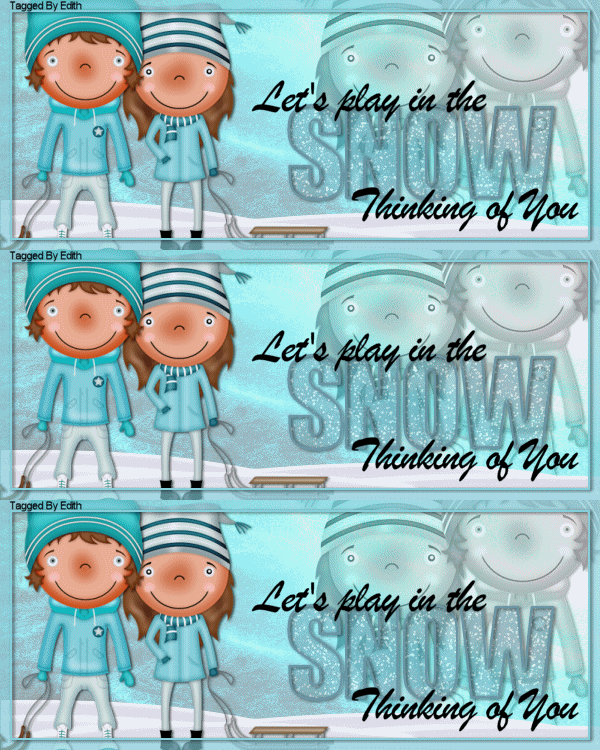

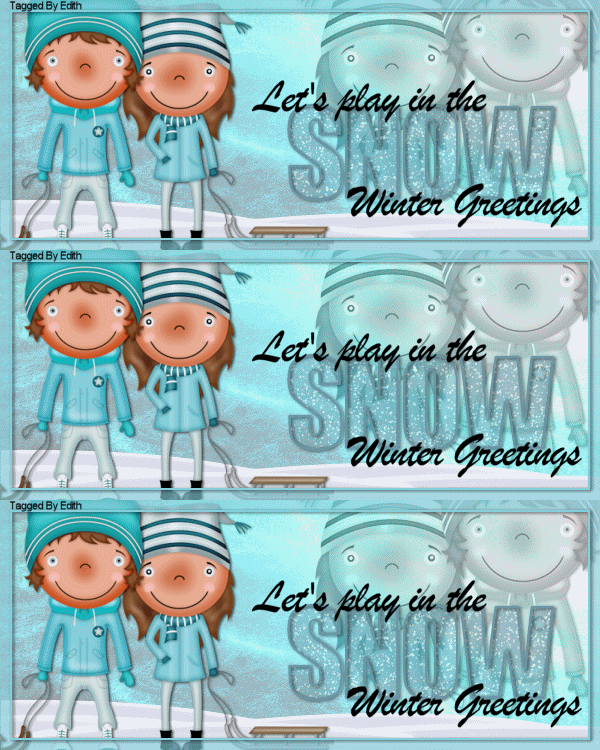
Saturday, December 15, 2012
Christmas Candy Cluster Freebie
I have a new freebie cluster for you! Using the exclusive kit 'Christmas Candy' by Crystal's Creations.
Preview of cluster:

You can download here.
If you download, please leave a little love. Thank you!
Here's a preview of Crystal's Creations exclusive kit 'Christmas Candy'

This is an exclusive kit. You can get this kit when you purchase $5.00 or more from Crystal's Creations blog story. This kit is a limited time kit, so get it before it's gone!
Stop by and check out Crystal's Creations through
Subscribe to:
Posts
(Atom)